Help center
How do I…?
Plain-language answers for everything you can do on Attorney Match. No account needed to read this page.
Tip: the app can explain itself as you use it.
Click the ?Help button at the top of any page. Small “?” markers appear next to buttons and fields — hover (or tap) one to see what that control does in plain language. Click the button again to turn the markers off; your choice is remembered.
Finding an attorney
How do I find an attorney?
Yes. Browse (/find) lists attorneys by state and case type, free — each attorney has a public profile page, and where the attorney lists an email you can draft a free intro email from it. Attorney matching is not available right now.
How do I actually contact an attorney?
You reach out yourself: we never contact any attorney on your behalf. Open the attorney’s profile. Where they list an email, use the free intro email to draft a message, read it over, edit anything that doesn’t sound like you, and send it from your own address. A response is never guaranteed; that decision is the attorney’s alone.
What's free and what costs money?
I paid for a case before. How do I get back to my results?
Your results live at a private link that was emailed to the address you entered at checkout — the email subject mentions your results being ready. That link is the only way in, so first check that inbox (and the spam folder) for a message from Attorney Match.
If you still have the results page open anywhere, click “Email me this link” at the top of it to re-send the link to yourself — free.
If the email is truly gone, contact us via Support & Feedback from the address you paid with and we can help. Note: if you clicked “Revoke this link” at some point, the link is permanently disabled — that’s what revoke is for.
How do I save my results — or shut them off?
Download all (top right of your results) saves every match and every letter as one text file on your device.
Revoke this link permanently disables the private URL — anyone opening it afterward, including you, sees a “revoked” page. Use it if the link was forwarded somewhere you didn’t want, or you simply want the results offline. Download first — revoking cannot be undone from the website.
What is the case tracker?
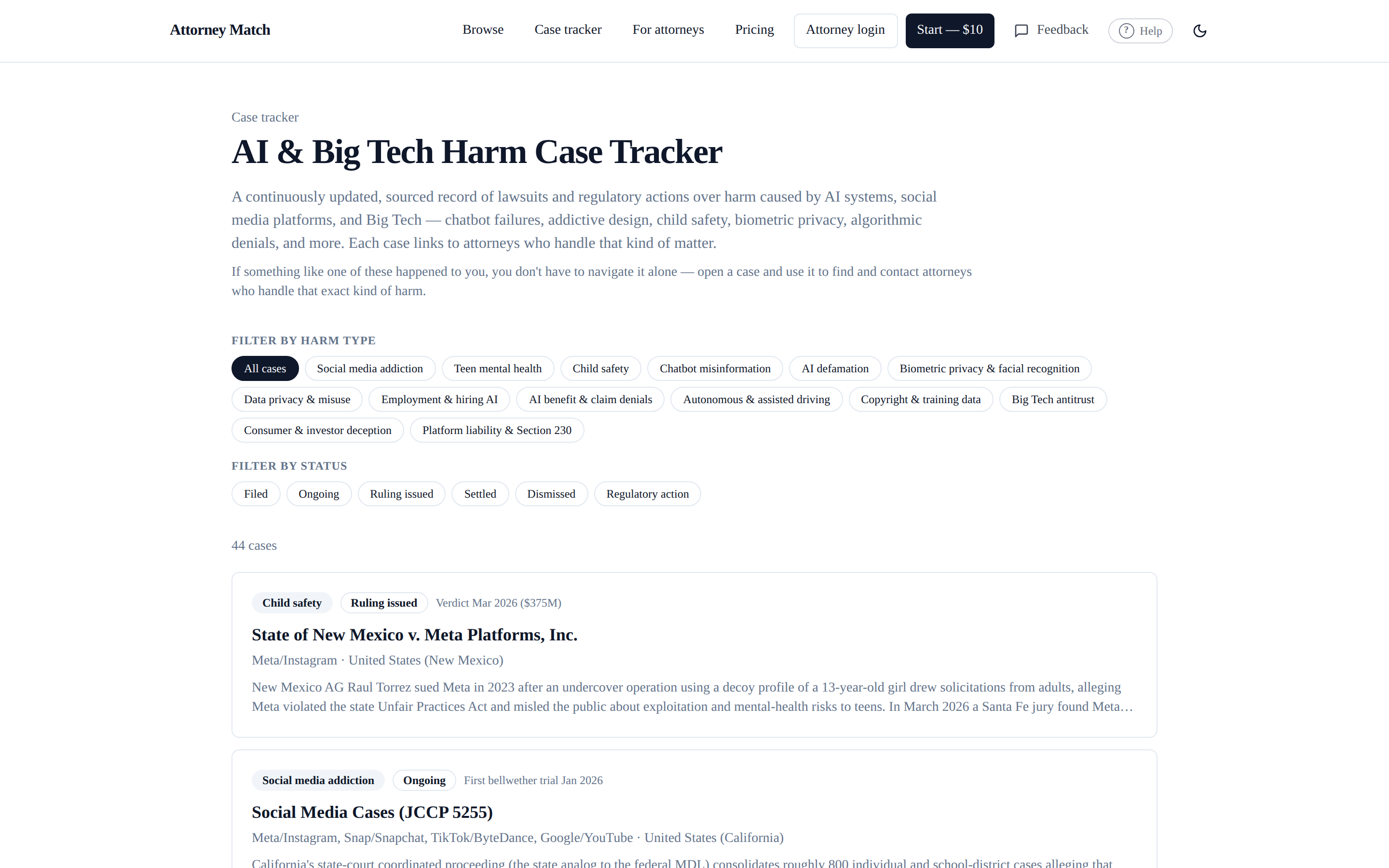
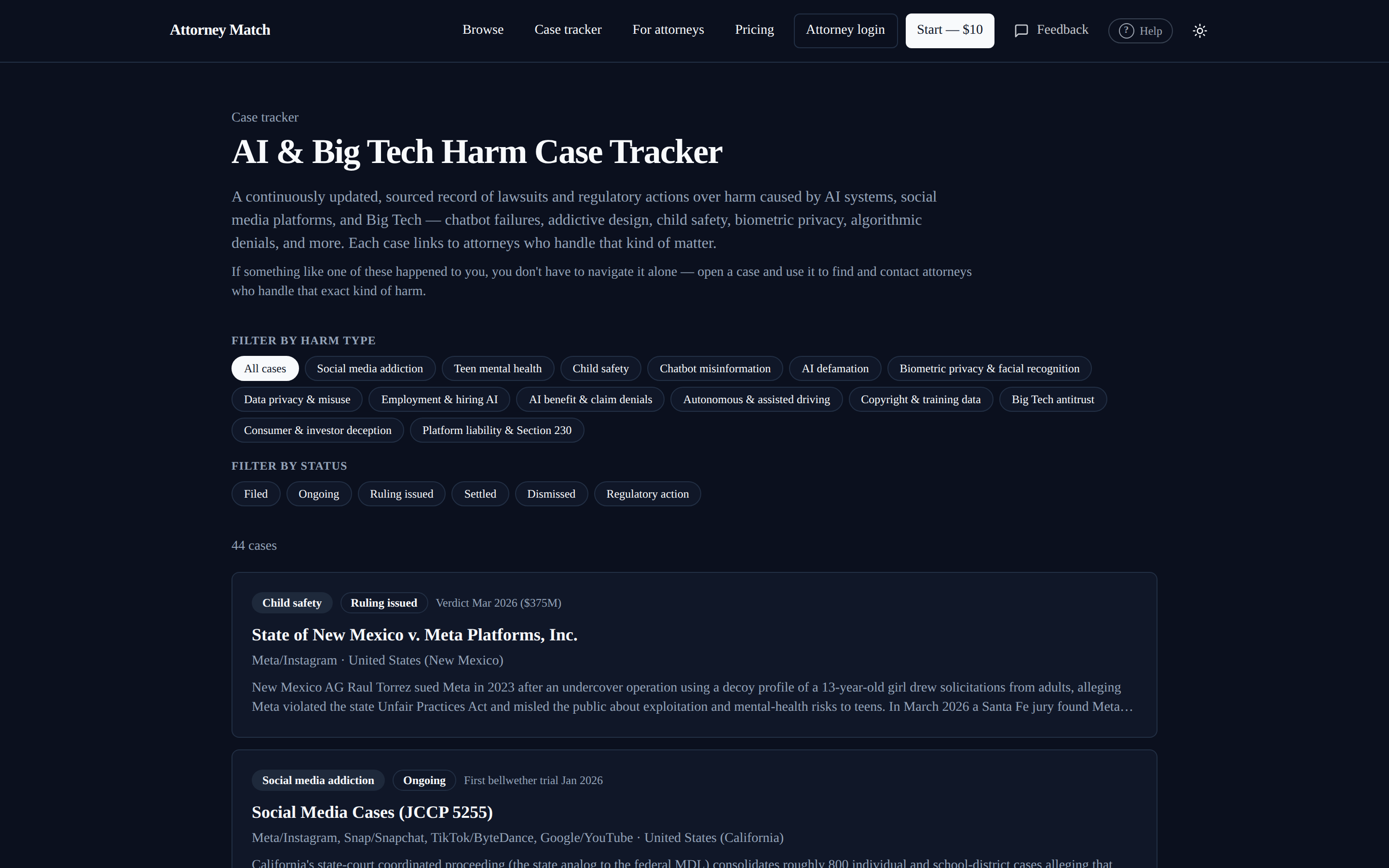
The AI & Big Tech Harm Case Tracker is a free, sourced record of public lawsuits and regulatory actions over harm caused by AI systems and tech platforms — chatbot failures, addictive design, child safety, privacy, and more. Filter by harm type or case status; every case page cites its public sources. If something similar happened to you, each case links to attorneys who handle that kind of matter. It is informational only — not legal advice.
For attorneys
I'm an attorney — how do I get listed, sign in, or edit my listing?
Get listed / claim your listing: apply at Get listed. Listing is free, and attorneys never pay for placement or ranking. A person reviews your application (including the bar number you provide) before your profile goes live.
Sign in: Attorney login (top right). Forgot your password? Use the reset link on the sign-in page and check your email. Your account email must match the contact email on your listing.
Edit your listing: once signed in, Manage your listing lets you update your practice areas, the case types you’re actively accepting or declining, fee structures and rates, your response-time promise, and your profile summary. You can pause your listing any time without losing it; re-activating a paused listing goes through an admin.
Account security: change your password or turn on two-factor authentication under Settings (visible in the header once you’re signed in).
Optional paid tool: Elite ($199/mo) adds an Elite badge and a link to your firm’s website. It never changes where you appear in the directory. See Pricing.
Anything else
Still stuck? Ask a person.
Use Support & Feedback (also linked in the footer of every page) and describe what you were trying to do — a human reads every message. Bug reports and confusing-screen reports are especially welcome.
Attorney Match is a directory and matching tool — not a law firm, not a referral service, and nothing here is legal advice. See the Disclaimer.